This guide walks you through every step to buy MDOGAI — from setting up your first wallet to completing your first swap on Base. No steps skipped.
If you have been researching how to buy MoonDog AI, you have probably noticed something. Most guides assume you already know what a wallet is, what Base network is, and how a DEX works. This one does not make those assumptions.
This is a complete MDOGAI token guide — built for people who are new to buying tokens on Layer-2 networks and want to do it correctly without making expensive mistakes.
Read the whole thing before you touch any money. The risks section at the end matters as much as the steps.
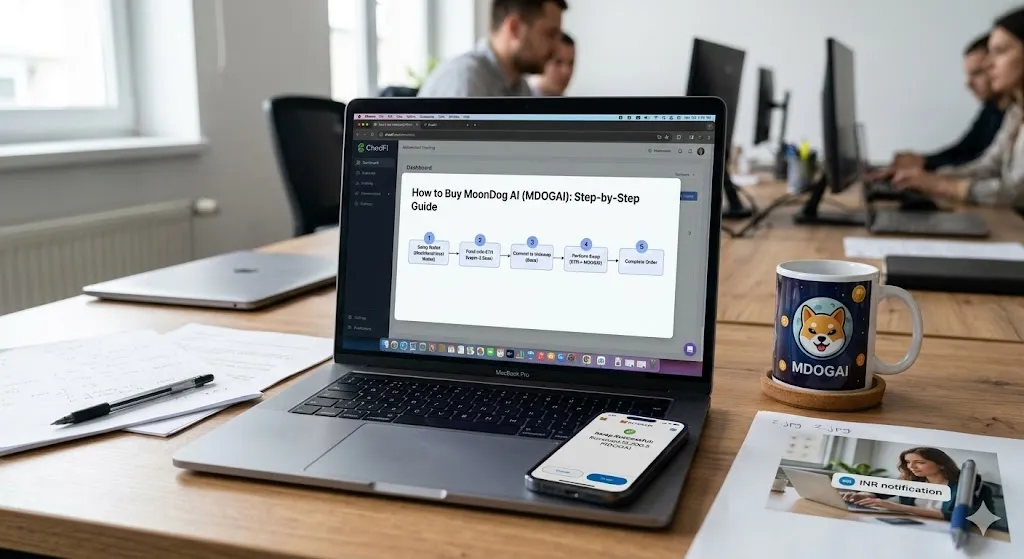
How to Buy MoonDog AI (MDOGAI) Quickly
- Create a MetaMask or Coinbase Wallet.
- Add or select the Base Network.
- Deposit ETH on Base.
- Visit Uniswap on Base.
- Paste the official MDOGAI contract address.
- Swap ETH for MDOGAI.
- Confirm the transaction.
- Verify your tokens in your wallet.
What Is MDOGAI and Where Does It Trade?
Before spending a single dollar, you need to understand what you are buying and where it lives.
MoonDog AI (MDOGAI) operates as an digital token on the Layer-2 Base network. Its official contract address is 0xd81cb23a4690f7fdf54e583f221d2c01882604f8. The asset features a total fixed supply of 1 billion tokens, all of which are currently in circulation.
The primary venue for purchasing and liquidating the token is the decentralized exchange Uniswap V2 (Base), where it is actively traded against Wrapped Ethereum (WETH).
Because MDOGAI lives on Base network, you cannot buy it on most centralized exchanges like Coinbase or Binance directly. You need to use a decentralized exchange (DEX) on the Base network. Uniswap on Base is the primary trading venue.
Write down or save that contract address above. You will need it later to verify you are buying the correct token.
What You Need Before You Start
Here is everything required before step one:
- A crypto wallet that supports the Base network (MetaMask or Coinbase Wallet)
- ETH on the Base network to pay for gas fees and to swap for MDOGAI
- The verified MDOGAI contract address (above)
- A basic understanding of the risks involved (covered at the end)
Budget at least $5–10 extra beyond what you plan to spend on MDOGAI. You will need a small amount of ETH to cover gas fees on Base. Base fees are very low — usually under $0.10 per transaction — but you need some ETH available regardless.
Step 1: Create a Wallet
Your wallet is where your crypto lives. It is not an account on a company’s server. It is a piece of software that controls access to your funds on the blockchain.
You have two good options for buying MDOGAI on Base.
Option A: MetaMask (Best for Desktop)
MetaMask is the most widely used crypto wallet for interacting with decentralized exchanges.
How to set it up:
- Go to metamask.io — only this official website. Never search for MetaMask on random websites or download it from unofficial sources.
- Click “Download” and install the browser extension for Chrome, Firefox, or Edge. MetaMask also has a mobile app for iOS and Android.
- Click “Create a new wallet.”
- Set a strong password. This protects your wallet on your specific device.
- MetaMask will show you a Secret Recovery Phrase — 12 random words in a specific order.
Stop here and read this carefully. Your Secret Recovery Phrase is the master key to your wallet. Anyone who has these 12 words can take everything inside your wallet. Write them down on paper. Store that paper somewhere physically safe. Do not screenshot it. Do not store it in a Google Doc, email, or cloud storage. Do not share it with anyone — ever.
- Confirm your phrase by entering the words in the correct order.
- Your wallet is now created.
Option B: Coinbase Wallet (Best for Beginners)
Coinbase Wallet is separate from the Coinbase exchange app. It is a self-custody wallet — Coinbase does not hold your funds.
Download Coinbase Wallet from the official App Store or Google Play Store. Follow the setup process, which is similar to MetaMask. Store your recovery phrase the same way — written down, offline, somewhere safe.
Coinbase Wallet has Base network built in by default, which saves one setup step compared to MetaMask.
Step 2: Add Base Network to Your Wallet
If you are using MetaMask, you need to add Base as a network. It is not there by default.
The easiest method:
- Go to chainlist.org in your browser.
- Make sure your MetaMask extension is active.
- Search for “Base.”
- Find the official Base network entry (Chain ID: 8453).
- Click “Add to MetaMask” and approve the prompt.
Base network is now added to your MetaMask. You can switch to it by clicking the network dropdown at the top of the MetaMask extension.
If you are using Coinbase Wallet, Base is already available. Tap the network selector and choose Base.
Step 3: Get ETH on Base Network
This is the step that confuses most beginners. There are two different things:
- ETH on Ethereum mainnet — the standard ETH most people think of
- ETH on Base network — the same ETH, but living on Base’s Layer-2
You cannot use Ethereum mainnet ETH to pay for transactions on Base. You need ETH that has been moved to the Base network specifically.
You have two main ways to get ETH on Base.
Method A: Withdraw ETH from Coinbase Exchange Directly to Base
This is the simplest method if you already use Coinbase.
- Buy ETH on Coinbase exchange as normal.
- When you go to withdraw, select “Base” as the network instead of “Ethereum.”
- Send to your MetaMask or Coinbase Wallet address.
- ETH arrives on Base in a few minutes.
This route skips the bridging process entirely. It is the fastest on-ramp for beginners.
Method B: Bridge ETH from Ethereum Mainnet to Base
If you already have ETH on Ethereum mainnet, you can move it to Base using a bridge.
- Go to bridge.base.org — the official Base bridge.
- Connect your wallet.
- Select the amount of ETH to bridge.
- Confirm the transaction.
Bridging takes around 5–10 minutes. You will pay a small Ethereum gas fee for the bridge transaction. Once complete, your ETH will appear on Base network in your wallet.
Important: Use only the official bridge at bridge.base.org. Third-party bridges exist but carry additional risks. For a beginner, the official bridge is always the safer choice.
Step 4: Connect Your Wallet to Uniswap on Base
MDOGAI currently trades on Uniswap V2 on Base. Here is how to access it.
- Go to app.uniswap.org in your browser.
- In the top-right corner, click “Connect Wallet.”
- Select MetaMask or Coinbase Wallet from the list.
- Approve the connection request in your wallet.
- Make sure the network is set to Base. You will see the network name displayed in both Uniswap’s interface and in your wallet. If it says Ethereum, switch to Base before doing anything else.
Always make sure the DEX is set to Base network before attempting any swap. Sending a transaction on the wrong network will not automatically fix itself.
Step 5: Find the MDOGAI Token
This step is critical. Do not skip it or rush through it.
When you search for a token on Uniswap by name, scammers often create fake tokens with the same name or ticker to trap buyers. The only way to guarantee you are buying the real MDOGAI is to use the verified contract address.
In Uniswap’s swap interface:
- Click the token selector for the output token (the token you want to receive).
- Instead of searching by name, paste the contract address directly:
0xd81cb23a4690f7fdf54e583f221d2c01882604f8 - Uniswap will display the MDOGAI token. Verify the name matches “MoonDog AI” before proceeding.
- Click to select it.
Always use the official contract address for the token you want to buy — get it from the project’s official website or a trusted source. Avoid copying contract addresses from random tweets or chat groups.
The token structure can be verified independently via BaseScan, the dedicated blockchain explorer for the Base network. On the platform, MDOGAI is indexed under the standard ERC-20 token framework, allowing users to track its transactional history, wallet distributions, and deployment details transparently.
Step 6: Set Up Your Swap
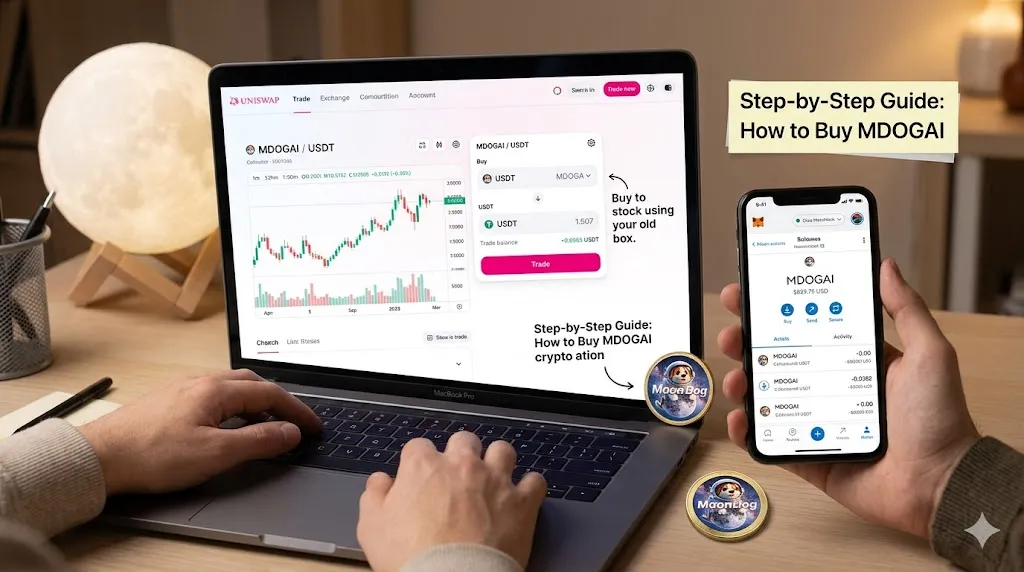
Now you are ready to swap ETH for MDOGAI.
In the Uniswap swap interface:
- The top token (input) should be ETH.
- The bottom token (output) should be MDOGAI.
- Enter the amount of ETH you want to spend.
- Uniswap will calculate how much MDOGAI you will receive.
Before you confirm, check these settings:
Slippage tolerance. This is the maximum price movement you will accept during the transaction. Low liquidity increases the likelihood of failed transactions, particularly if you set a strict slippage tolerance limit. If the market cannot deliver your trade within your specified slippage, the transaction fails.
For a low-liquidity token like MDOGAI, you may need to set slippage to 3–5%. Click the settings gear icon in Uniswap to adjust this. Setting it too low means your transaction will fail. Setting it very high means you might receive fewer tokens than expected.
Price impact. Uniswap shows the estimated price impact of your swap. This tells you how much your own buy order will move the price. Tokens with very thin liquidity exhibit extreme conditions where small orders create outsized price impact and high slippage on DEXs, making execution costly and volatile. If the price impact shown is over 5%, consider reducing the size of your swap.
Minimum received. This shows the worst-case amount of MDOGAI you will receive after slippage. Make sure you are comfortable with this number before confirming.
Step 7: Confirm the Swap
When you are happy with the settings:
- Click “Swap.”
- Review the transaction summary popup one more time.
- Click “Confirm Swap.”
- Your wallet will open and ask you to approve the transaction.
- Check the gas fee shown. It should be under $0.10 on Base.
- Click “Confirm” in your wallet.
The transaction is now submitted to the Base network. You will get a soft confirmation within a few seconds. A link to the transaction on BaseScan will appear so you can watch it process.
Once confirmed, MDOGAI will appear in your wallet. If you do not see it automatically, you may need to add the token manually using the contract address.
To add MDOGAI to MetaMask manually: Open MetaMask → scroll down → “Import tokens” → paste the contract address → Save.
Step 8: Verify Your Purchase
Always verify what you received before considering the process complete.
Go to basescan.org and paste your wallet address into the search bar. You will see a full history of your transactions including the swap you just completed. Confirm the MDOGAI amount received matches what Uniswap estimated.
You can also check the current MDOGAI price on geckoterminal.com by searching for the contract address. This shows you live price, liquidity, and recent transaction data.
How to Sell MDOGAI When You Are Ready
Selling MDOGAI follows the same process in reverse.
Go back to Uniswap on Base, connect your wallet, and set MDOGAI as the input token and ETH as the output. Enter the amount you want to sell. Check slippage and price impact carefully — the same risks apply when selling as when buying.
To move your ETH profit back to a centralized exchange, use the Base bridge in reverse or withdraw directly to an exchange that accepts Base network deposits.
The Risks: Read This Before You Buy MDOGAI
This section is not a legal disclaimer placed here to cover liability. These are real risks that directly affect whether you make or lose money.
Risk 1: Very Thin Liquidity
The principal trading pool for MDOGAI on Uniswap holds a combined ±2% order book depth of just under $4,800. This indicates a highly restricted liquidity environment.
For market participants, micro-cap tokens with depth or capital backing in this minimal range encounter extreme illiquidity hurdles. Because the available capital pool is shallow, even standard retail transactions can trigger heavy slippage and unintended price volatility. In practice, executing a mid-to-large sell order will aggressively depress the token’s market value before the entire position can clear the order book.
Always test with a small amount first. Never put in more than you can afford to lose entirely.
Risk 2: Low Trading Volume
The valuation of MDOGAI has adjusted downward to approximately $0.000654, which positions its market capitalization at roughly $657,800 across its fixed total supply of 1 billion tokens. This micro-cap valuation is accompanied by a severe contraction in network activity, with rolling 24-hour trading volumes sliding down to a mere $173.
This near-total absence of daily transaction volume indicates a profound deficit in market demand. For holders, it underscores a highly illiquid market structure. When an asset struggles to clear even $100,000 in routine daily volume, it creates a severe exit-risk bottleneck, meaning any attempt to liquidate a meaningful position can easily freeze up due to a lack of willing buyers.
Risk 3: Price Volatility
Historical data highlights severe volatility for MoonDog AI, which established its record high at approximately $0.013918 on January 17, 2025. Merely a few months later, on April 21, 2025, the token bottomed out at an all-time low of $0.0000081.
This catastrophic decline translates to a value destruction of over 99.9% within a single quarter, reflecting the staggering downside risks common to micro-cap meme or utility tokens on the network.
This level of volatility is not unusual for micro-cap tokens. It reflects how sensitive these assets are to narrative cycles and market sentiment. A token can lose 80% of its value in days without any change in its underlying project.
Risk 4: Slippage Can Eat Your Returns
Slippage occurs when the price at which your trade executes differs from the price you initially expected. This is driven by market volatility, low liquidity, and order book depth.
On a low-liquidity token like MDOGAI, you might set a swap expecting to receive X tokens and end up with significantly fewer because the price moved during execution. Always check the minimum received figure in Uniswap before confirming.
Risk 5: Contract and Scam Risk
The heart of any token purchase on Base Network is the DEX. Even seasoned users can fall victim to fake contracts if they skip verification steps.
Before buying any low-cap token, run the contract address through tokensniffer.com and honeypot.is. These tools check for hidden sell restrictions, honeypot code, and other red flags. A honeypot token lets you buy but prevents you from selling. It is one of the most common scams in DeFi.
If any tool flags the contract, stop there.
Risk 6: Wallet Security
Your wallet is only as secure as your recovery phrase. If someone gets those 12 words, they can drain your wallet instantly and the transaction cannot be reversed.
Never enter your recovery phrase into any website, app, or form. No legitimate service will ever ask for it. If you see a prompt asking for your phrase, it is a scam.
Quick Reference: Everything You Need
| Item | Detail |
|---|---|
| Token name | MoonDog AI |
| Ticker | MDOGAI |
| Network | Base |
| Contract address | 0xd81cb23a4690f7fdf54e583f221d2c01882604f8 |
| Primary DEX | Uniswap V2 on Base |
| Explorer | basescan.org |
| Recommended wallet | MetaMask or Coinbase Wallet |
| Bridge | bridge.base.org |
| Verify contract | tokensniffer.com / honeypot.is |
MoonDog AI vs Other AI and Meme Coins
Many investors compare MDOGAI with other AI-themed and meme-focused cryptocurrencies before deciding which asset to buy.
| Token | Ticker | Network | Focus |
|---|---|---|---|
| MoonDog AI | MDOGAI | Base | AI trading |
| Fartcoin | FARTCOIN | Solana | Meme |
| Turbo | TURBO | Ethereum | AI-created meme coin |
| Goatseus Maximus | GOAT | Solana | AI narrative |
While MoonDog AI operates on Base and focuses on AI-driven trading narratives, projects such as FARTCOIN, TURBO, and GOAT have built communities on Solana and Ethereum. Investors should compare liquidity, trading volume, market capitalization, and risk levels before purchasing any micro-cap cryptocurrency.
Summary: The 8-Step Process
- Create a MetaMask or Coinbase Wallet and secure your recovery phrase
- Add Base network to MetaMask (via chainlist.org)
- Get ETH on Base (withdraw from Coinbase exchange directly to Base, or bridge via bridge.base.org)
- Go to app.uniswap.org and connect your wallet on Base network
- Paste the MDOGAI contract address to find the correct token
- Set your slippage to 3–5% and check the price impact
- Confirm the swap and approve in your wallet
- Verify the received tokens on basescan.org
How to Verify the Official MDOGAI Contract Address
When buying any token on a decentralized exchange, verify the contract address through multiple sources including the official project website, BaseScan, and reputable market data platforms. Using the wrong contract address is one of the most common mistakes made by new crypto investors.
Before purchasing MDOGAI, verify the contract address through the official ChadFi website and compare liquidity and volume data on BaseScan and GeckoTerminal.
Buying MDOGAI is technically straightforward once you have a wallet and ETH on Base. The process itself takes under 10 minutes if your wallet is already funded. The harder part is making a clear-eyed decision about whether the risk profile of a micro-cap token with thin liquidity fits your situation.
Go in informed. Start small. Never invest more than you would be comfortable losing completely.
Final Thoughts
Buying MoonDog AI requires a Base-compatible wallet, ETH for gas fees, and access to Uniswap. While the purchase process is relatively simple, MDOGAI remains a high-risk micro-cap cryptocurrency with limited liquidity and significant volatility. Always verify the contract address and start with a small test transaction before committing larger amounts.
This article is for educational purposes only. Nothing in this guide is financial or investment advice. Cryptocurrency tokens, especially micro-cap tokens, carry a high risk of total loss. Always conduct your own research before making any investment decision.
FAQ
No. MDOGAI currently trades primarily on Uniswap V2 on the Base network and must be purchased through a compatible crypto wallet.
MoonDog AI operates on the Base blockchain, an Ethereum Layer-2 network.
MetaMask and Coinbase Wallet are the most commonly used wallets for purchasing MDOGAI.
Yes. MDOGAI is a micro-cap cryptocurrency with limited liquidity and significant price volatility.
About the Author:
Ana Milojevic is a crypto writer and the creator of basedmoondog.com. She writes in-depth guides on Web3, DeFi liquidity, and AI trading technologies, including insights on MoonDog AI. When she isn’t breaking down complex crypto mechanics, she is tracking market trends across decentralized ecosystems.
Leave a Reply